How to Fix IPTV Buffering & Matchday Freezing in Ireland
Troubleshoot streaming buffer problems on Irish broadband. Learn how to optimize Eir, SIRO, and Virgin Media routers, change DNS settings, and eliminate freezing.
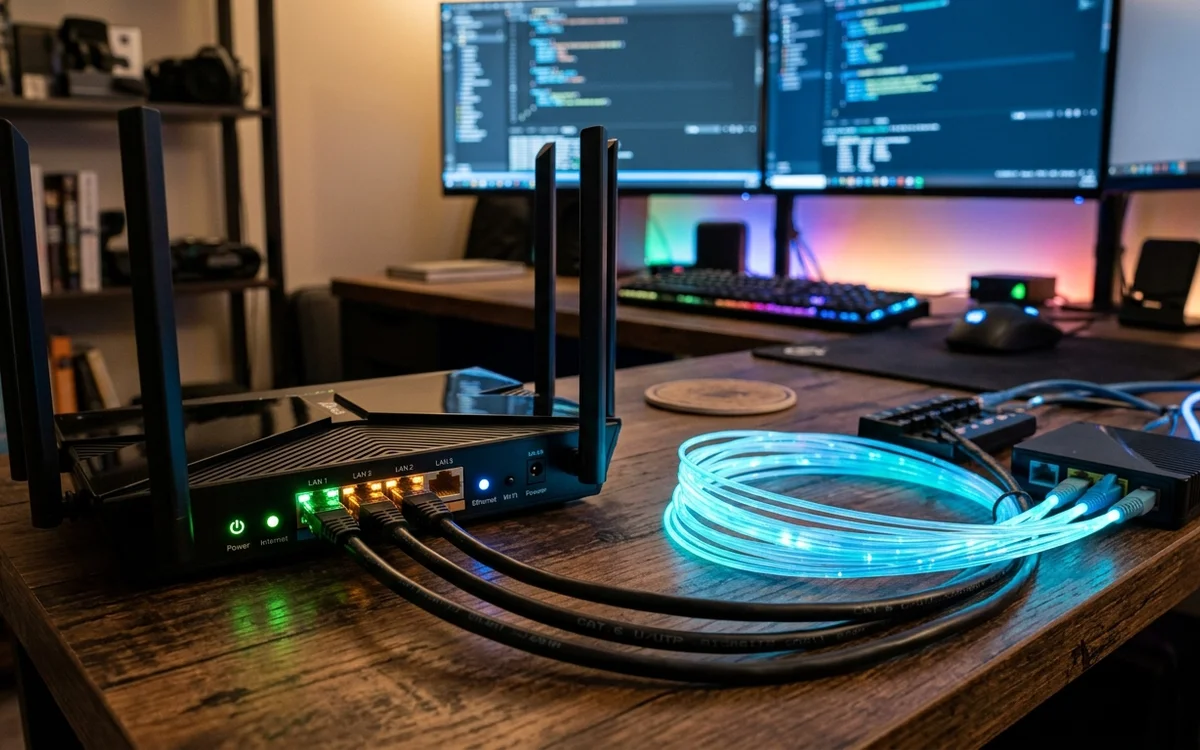
To fix streaming buffer issues in Ireland, connect your device to the 5GHz Wi-Fi band or use an Ethernet cable, change your router DNS to Cloudflare (1.1.1.1) to avoid ISP routing bottlenecks, clear player cache, and select an IPTV provider with dedicated low-latency Dublin CDN servers.
- Local Wi-Fi interference on 2.4GHz is the leading cause of home streaming stutter.
- Changing default ISP DNS addresses resolves high-traffic routing delays.
- Hardware decoder settings inside player apps dramatically affect stream stability.
- Local Irish CDN server peering prevents international packet loss.
Nothing is more frustrating than settling in to watch an All-Ireland Hurling Final or a critical Premier League derby only for your screen to freeze in an endless loading loop. In Ireland, streaming interruptions rarely stem from insufficient fiber bandwidth. Modern connections across SIRO, open eir, and Virgin Media deliver ample data capacity.
Most buffering issues originate from local home network bottlenecks, suboptimal device hardware decoders, or poor ISP domain name resolution.
Follow these proven technical steps to eliminate playback freezing permanently.
1. Eliminate 2.4GHz Wi-Fi Interference
Most broadband routers provided by Irish telecom operators broadcast dual Wi-Fi bands: 2.4GHz and 5GHz.
The 2.4GHz band is easily congested by baby monitors, microwaves, smart home bulbs, and neighbor networks in housing estates. This causes high packet jitter, which destroys live video streams:
- Open your streaming device network settings.
- Select your 5GHz network SSID (often labeled with a
_5Gsuffix). - If your television is distant from your main router, invest in an official Ethernet adapter or a modern mesh Wi-Fi system to ensure consistent data throughput.
2. Change Your Router DNS Resolver
By default, your home broadband connection uses your provider’s internal DNS servers (Eir, Vodafone, or Virgin Media). During major sporting events, these lookup servers handle millions of requests, causing resolution latency.
Switching your streaming device or home router to independent, privacy-focused DNS servers frequently cures persistent stuttering:
| DNS Provider | Primary IPv4 | Secondary IPv4 | Key Advantage |
|---|---|---|---|
| Cloudflare | 1.1.1.1 |
1.0.0.1 |
Fastest response time in Dublin (< 8ms) |
| Google Public DNS | 8.8.8.8 |
8.8.4.4 |
Massive global reliability and fast lookup |
| Quad9 | 9.9.9.9 |
149.112.112.112 |
Built-in malicious domain blocking |
3. Configure Hardware Video Acceleration in Your Player
Inside popular player applications like IPTV Smarters Pro or TiviMate, navigate to Settings > Playback and review your video decoder configuration:
- Hardware Acceleration (HW): Always choose Hardware decoding on Amazon Fire TV Stick 4K and modern Smart TVs. This offloads video decompression directly to the graphical processing chip, preventing CPU thermal throttling.
- Buffer Size Adjustment: In TiviMate, set your stream buffer size to Medium or Large. This creates a 3 to 5-second video reservoir in device memory, smoothing over temporary micro-drops in wireless connectivity.
4. Ensure Your Provider Has Dublin Edge Caching
If local network optimizations fail to resolve freezing, the issue lies with your provider’s hosting infrastructure. Cheap budget services rely on unmanaged offshore servers that choke during high-concurrency sporting events.
CelticStream utilizes high-capacity CDN edge nodes deployed directly within Dublin data centers, peering directly with Irish Internet Service Providers. This architecture guarantees that even when millions tune in across the country, your connection receives dedicated bandwidth.
Frequently Asked Questions
Why does my IPTV only freeze during big football matches?
Matchday freezing occurs when unmanaged reseller servers get overwhelmed by sudden traffic spikes. Reputable services use automated load balancing across redundant Dublin server nodes to maintain steady bitrate delivery.
Does my Irish broadband speed affect buffering?
Yes, but latency and packet jitter matter more than raw download speed. A stable 30 Mbps fiber connection with low ping provides smoother 4K playback than an unstable 500 Mbps connection suffering from Wi-Fi packet drops.
Should I clear the cache on my Firestick?
Yes. In your Firestick Settings, navigate to Applications, select Manage Installed Applications, choose your IPTV player, and click Clear Cache to flush temporary video buffer files.
Verified Irish Sources & Statutory References
- ComReg Ireland: Home Broadband Wi-Fi Performance Guidelines (Verified: 2026-08-18)
- Cloudflare 1.1.1.1 Public DNS Performance Architecture (Verified: 2026-07-14)