Samsung & LG Smart TV IPTV Setup Guide Ireland (2026)
How to set up and run IPTV directly on your Samsung Tizen or LG webOS Smart TV in Ireland without external streaming sticks, extra remotes, or cables.
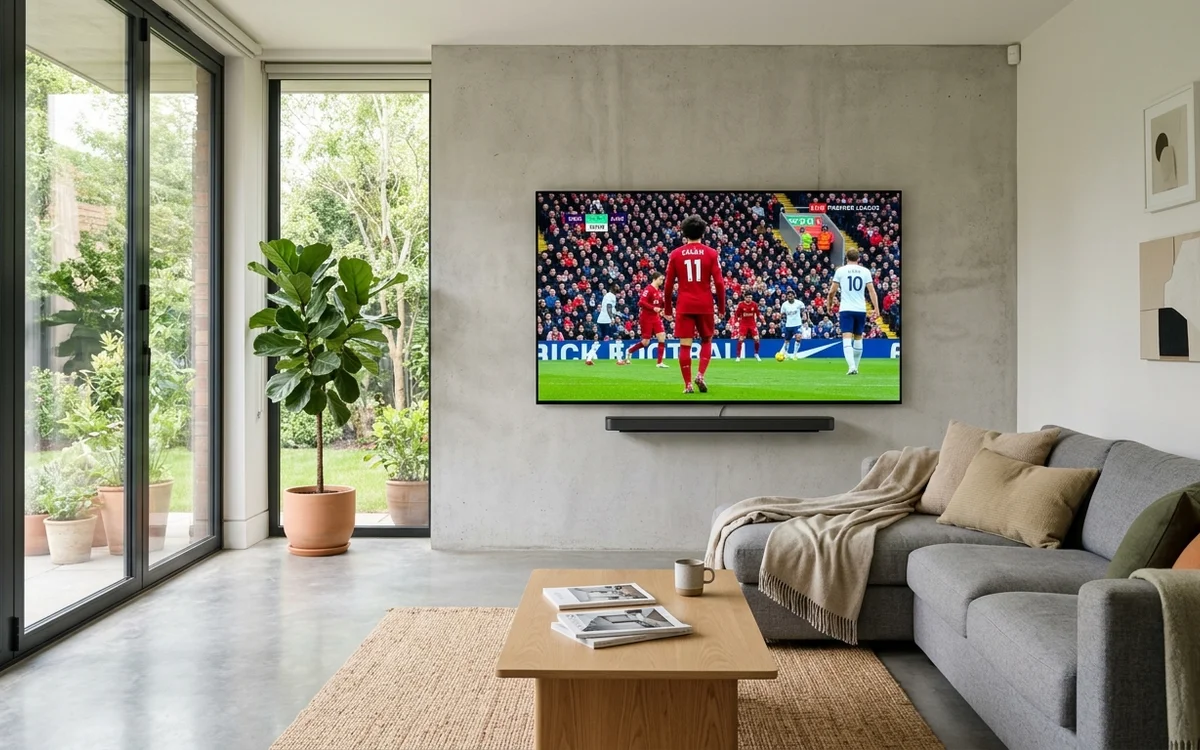
Setting up IPTV on a Samsung or LG Smart TV in Ireland involves installing an official media player app such as IBO Player, Smart IPTV, or IPTV Smarters directly from your television native application store. You then upload your CelticStream playlist credentials via a web browser using your television MAC address.
- Native Smart TV apps eliminate the need for external HDMI streaming sticks.
- Samsung Tizen and LG webOS support verified media players from official stores.
- High-speed broadband ensures direct 4K HDR playback via integrated TV chips.
- Single-remote television operation offers maximum household convenience.
For many Irish homeowners, keeping living rooms clean and clutter-free is a priority. Running cables, connecting external HDMI dongles, and managing multiple remote controls creates unnecessary complexity.
Modern 4K Smart TVs from Samsung, LG, Sony, and Philips possess powerful onboard processors capable of decoding 4K sports streams directly.
This guide walks you through setting up native IPTV on your Smart TV in Ireland.
Choosing the Best App for Your Television OS
Depending on the manufacturer of your television, different application stores and players are available:
1. Samsung Smart TVs (Tizen OS)
Samsung televisions manufactured from 2017 to 2026 use the Tizen operating system:
- Top Apps: IBO Player, Smart IPTV, BOB Player, Nanomid.
- Where to Find: Search directly in the Samsung Galaxy / Smart TV App Store.
2. LG Smart TVs (webOS)
LG OLED and NanoCell televisions run webOS:
- Top Apps: IBO Player, IPTV Smarters Pro, Smart IPTV, Room IPTV.
- Where to Find: Open the LG Content Store and search for the app name.
3. Sony, TCL & Philips (Google TV / Android TV)
Televisions running Google TV have direct access to the Google Play Store:
- Top Apps: TiviMate (Premier choice), IPTV Smarters Player, XCIPTV.
- Where to Find: Search directly in the Google Play Store on your TV.
| Television Platform | Best App Choice | Installation Difficulty | Remote Experience |
|---|---|---|---|
| Samsung Tizen | IBO Player / Smart IPTV | Very Easy (Official Store) | Native Samsung Remote |
| LG webOS | IBO Player / Smarters | Very Easy (Official Store) | LG Magic Remote Pointer |
| Google TV / Sony | TiviMate | Easy (Play Store Direct) | Full Android Navigation |
Step-by-Step Activation via Browser
Because Smart TVs are inconvenient for typing long server addresses with an on-screen remote, most modern TV apps utilize web-based provisioning:
- Launch your installed app (such as IBO Player or Smart IPTV) on your television.
- Note the Device ID / MAC Address and Device Key displayed on your screen.
- Open a browser on your smartphone or computer and visit the app’s official playlist portal.
- Input your TV identifiers and paste your CelticStream M3U link provided via WhatsApp.
- Click Save or Upload.
- Restart the application on your television to access your live channels and on-demand movies.
Frequently Asked Questions
Which Smart TV brand is best for IPTV in Ireland?
Both Samsung (Tizen OS) and LG (webOS) televisions support excellent native players like IBO Player, BOB Player, and Nanomid. Sony, TCL, and Philips televisions run Android TV or Google TV, which support TiviMate directly from the Google Play Store.
Do I need an external box if I own a Smart TV?
No. Modern Smart TVs have sufficient built-in processing power and video decoding to run IPTV applications natively without plugging in an external stick or box.
Why does my Smart TV app say playlist upload failed?
Ensure your television is connected to the internet, double-check your MAC address for typos, and confirm you have pasted the complete M3U link without spaces.
Verified Irish Sources & Statutory References
- Samsung Tizen Developer Application Architecture (Verified: 2026-08-14)
- LG webOS Developer Application Portal (Verified: 2026-07-22)