IPTV Smarters Pro Ireland: Download, Setup & Complete Guide (2026)
Everything you need to know about IPTV Smarters Pro on Firestick, Smart TV, and Android in Ireland. Installation codes, EPG setup, and optimal playback settings.
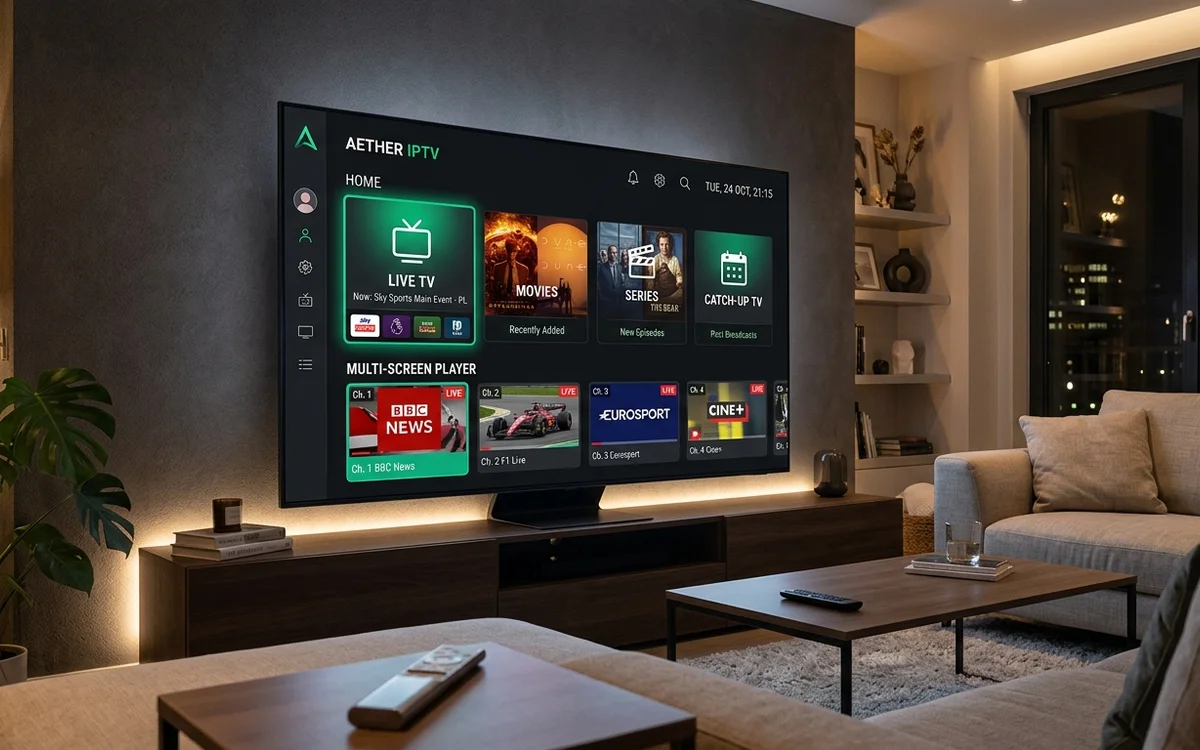
IPTV Smarters Pro is the most widely used IPTV media player in Ireland, compatible with Amazon Firesticks, Android TV, Samsung Tizen, LG webOS, and iOS. It features multi-screen viewing, automated electronic programme guides (EPG), parental controls, and direct Xtream Codes API integration.
- IPTV Smarters Pro is a clean media player containing zero built-in channels.
- Connects using Xtream Codes API or M3U playlist credentials.
- Native support for multi-screen quad-viewing during busy matchdays.
- Available for free on major Smart TV app stores and sideloadable on Firestick.
With over 1,600 monthly searches in Ireland alone, IPTV Smarters Pro is the dominant software player choice for Irish television streamers. Its user-friendly layout resembles traditional cable set-top box menus, making it accessible for household members of all ages.
This guide explains how to install, configure, and optimize IPTV Smarters Pro on your connected devices.
What is IPTV Smarters Pro?
It is vital to understand that IPTV Smarters Pro does not supply or host any television channels or video content. It is an empty video playback engine, similar to VLC Media Player or a web browser.
To watch live television, you must connect the application to an active, reliable IPTV service provider like CelticStream via the Xtream Codes API.
How to Install on Amazon Fire TV Stick
Because Amazon occasionally removes third-party player applications from its primary store, the safest method to install IPTV Smarters Pro is via the Downloader utility:
- Launch Downloader on your Firestick.
- In the URL address box, enter the verified CelticStream direct download short code.
- Click Go and wait for the APK file to download.
- Select Install, then click Done.
- When prompted, select Delete to remove the installation file and preserve Firestick storage space.
Step-by-Step Login Configuration
When launching IPTV Smarters Pro for the first time, choose Login with Xtream Codes API:
- Name: CelticStream
- Username: Your account username
- Password: Your account password
- Server URL: The secure portal address sent to your WhatsApp
Click Add User. The application will automatically download your live channel categories, on-demand movie listings, and the electronic programme guide (EPG).
| Feature | Smarters Free Version | Smarters Pro / Premium |
|---|---|---|
| Live TV & EPG Guide | Full Access | Full Access |
| VOD Movies & Box Sets | Full Access | Full Access |
| Multi-Screen Quad View | 2 Screens Max | Up to 4 Simultaneous Matches |
| External Player Support | VLC / MX Player | VLC / MX Player |
Recommended Settings for Irish Broadband
To ensure smooth 60fps sports playback on Eir, SIRO, or Virgin Media connections:
- In Smarters Settings, navigate to Player Settings.
- Change the video player engine from Built-in to Hardware Acceleration.
- Navigate to Stream Format and select HLS or MPEG-TS depending on your router stability.
Frequently Asked Questions
Is IPTV Smarters Pro free to use in Ireland?
Yes. The standard version of IPTV Smarters Pro is completely free to download and use. It functions as an empty media player shell into which you load your own valid subscription credentials.
How do I download IPTV Smarters Pro on my Firestick?
Open the Downloader app on your Amazon Firestick and input the verified short code provided by CelticStream support. The APK file will download and install within two minutes.
Why does IPTV Smarters show an invalid details error?
This error usually indicates a mistyped server URL, username, or password, or an expired subscription pass. Verify exact capitalization and trailing slashes in your login details.
Verified Irish Sources & Statutory References
- IPTV Smarters Official Application Documentation (Verified: 2026-08-20)
- Amazon Appstore Application Developer Guidelines (Verified: 2026-07-16)